Getting inbound HubSpot leads ready for LinkedIn outreach
A sales team replaced manual copying between HubSpot and its outreach tool with an automatic handoff that keeps lead status consistent and makes failed transfers visible.
- Built by
- Forhad
- Date
- Stack
- API Integration · CRM · Workflow · Operations
The client’s problem
After a lead came in, someone had to copy it into the outreach tool. A record could appear twice or carry a different status in each system, leaving reps unsure whether it was ready for follow-up.
What we built
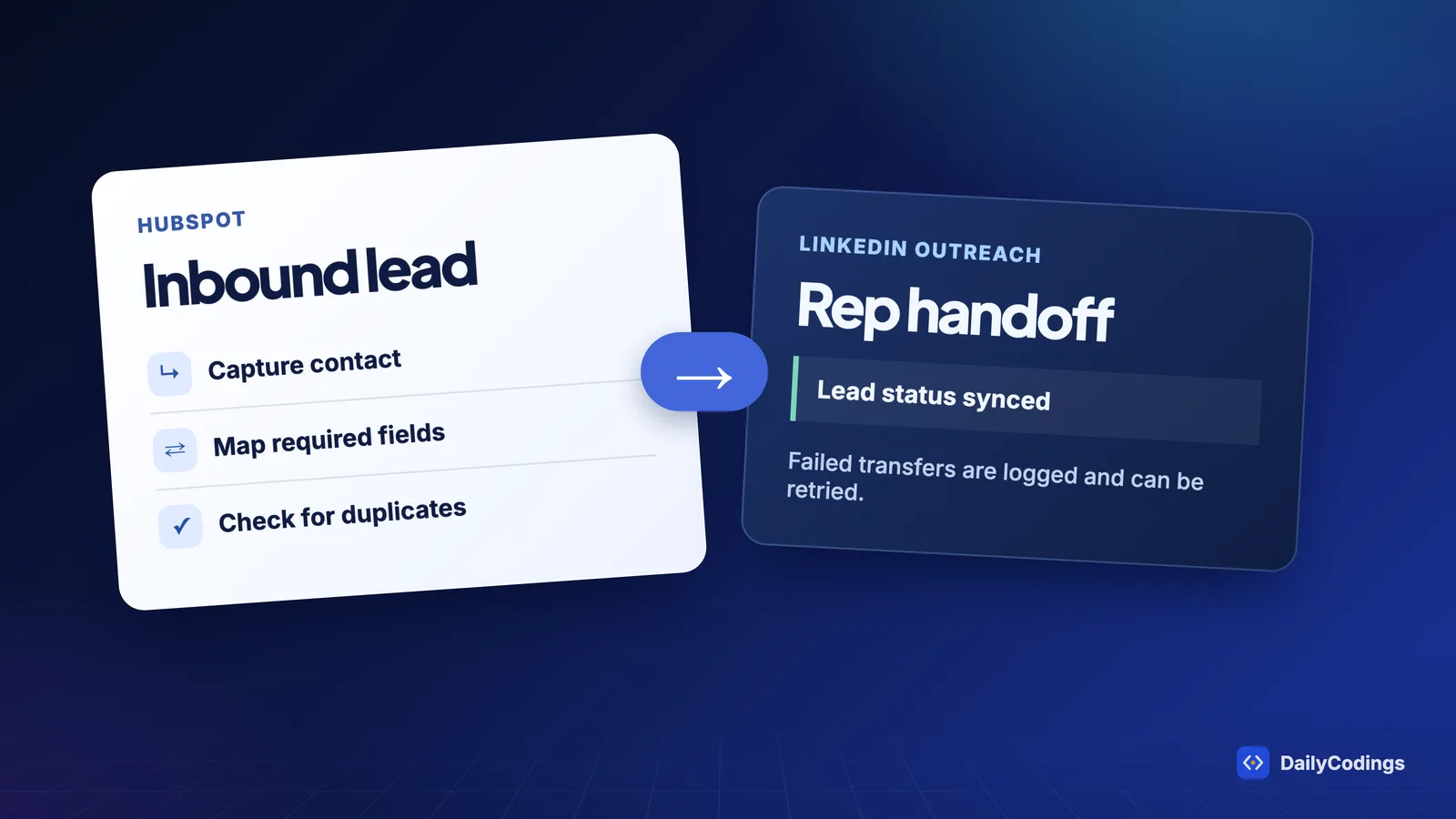
Forhad connected the CRM and outreach tools through their APIs. The workflow maps required fields, checks for duplicates and logs failed transfers so the team can retry them.
Results
Reps have less data to re-enter before follow-up and a more consistent view of lead status. When a handoff fails, the team can trace the transfer and retry it.
What a rep needed at handoff
An inbound lead could already exist in HubSpot while the outreach team was still waiting for someone to copy its details. If two people repeated the handoff or updated different copies, reporting and follow-up could tell different stories about the same lead.
The workflow responds to a lead event and maps each required CRM field to its counterpart in the outreach tool. Applying the same mapping on every transfer gives the team a common meaning for each status. Duplicate checks protect the record when a transfer is retried.
How a missed transfer gets resolved
A failed sync leaves a log entry. The operator can identify which transfer failed and retry it with the duplicate checks in place. That gives the sales team a way to resolve a missing lead without going back to routine copying between tools.