Skip to content
HubSpot to Salesforce migration

HubSpot to Salesforce migration services

Map HubSpot records to Salesforce, preserve activity history and verify a test batch with your sales team. Agree on exceptions before setting a cutover date.

Trace one account from HubSpot to Salesforce

Start with a company that has contacts, open deals and past conversations. Map the company to an account and the deals to opportunities. Agree which activities belong on the Salesforce timeline, which need an archive and how reps can retrieve them.

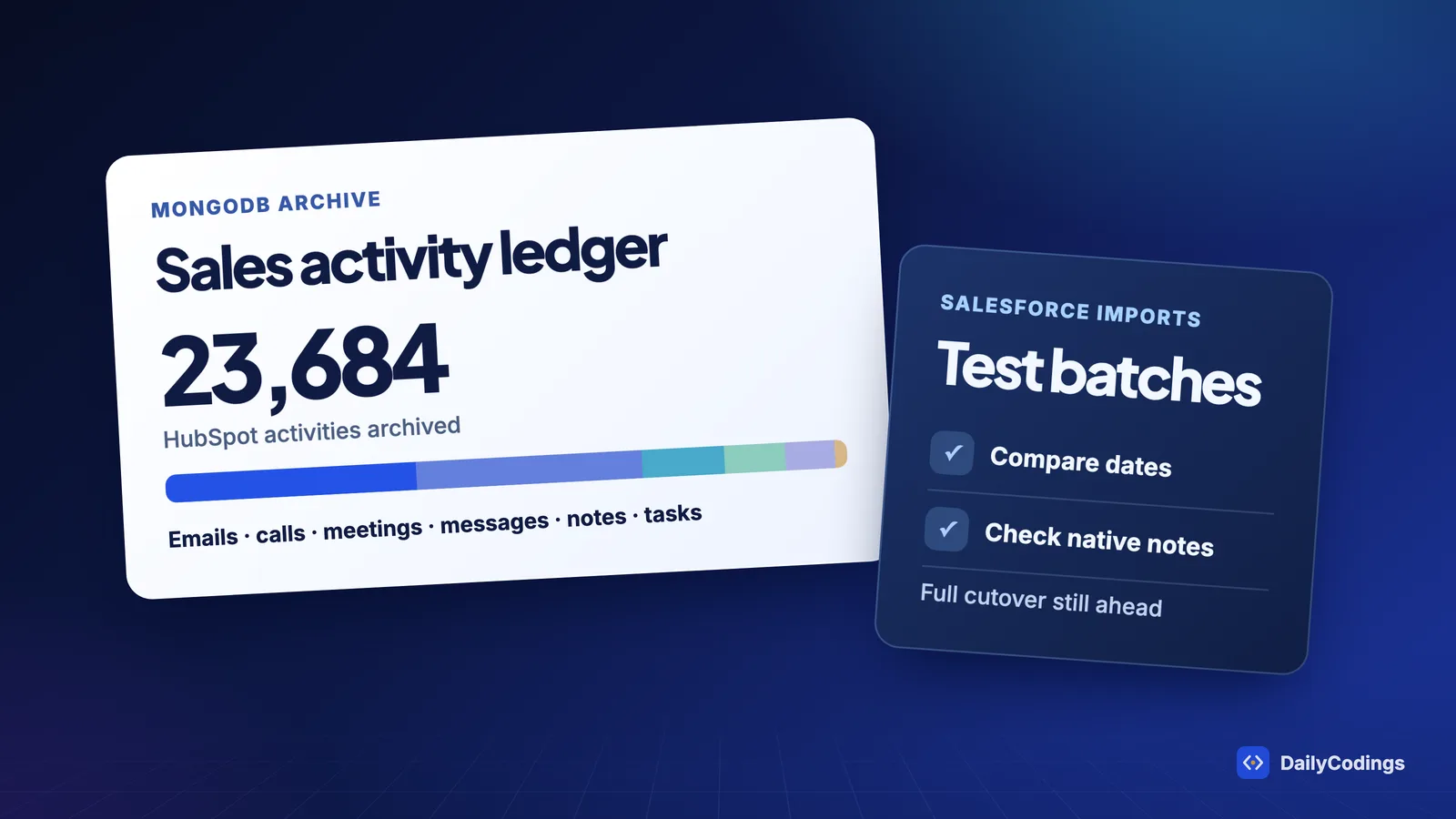
In our migration project, more than 23,000 HubSpot activities were preserved in MongoDB. The Salesforce stage progressed through verified test batches. For each batch, compare source IDs, owners, counts and a sample of relationships on both sides.

Before cutover, agree how to handle edits made during the move and who will approve exceptions. Rehearse the switch with a Salesforce administrator and record the conditions for pausing or rolling back.

Moving into HubSpot or consolidating other sources?

What you get

  • Field, object and ownership map
  • Trial migration and archive plan
  • Reconciliation report and cutover checklist

Typical use cases

  • Moving a sales team to Salesforce Sales Cloud
  • Retaining HubSpot notes, emails and deal associations
  • Verifying a trial migration before cutover

Why work with us on HubSpot to Salesforce migration

  • An account your reps can inspect

    Check contacts, deal stages and historical activity on a representative Salesforce account.

  • A plan for exceptions

    Document fields and activities that need a different destination or a searchable archive.

  • A signed-off test batch

    Review counts and linked records with the CRM owner before authorizing the next batch.

Tools and technologies we use

  • HubSpot API
  • Salesforce API
  • MongoDB
  • Google Sheets
  • Node.js

A clear process from first call to launch

  1. 1

    Discover

    We learn how your team works today and the result you need.

  2. 2

    Plan

    You get a written scope, approach, and timeline before we build.

  3. 3

    Build

    We ship working software early and show progress as we go.

  4. 4

    Test

    We check the system against your real data and edge cases.

  5. 5

    Deliver and support

    Handover, documentation, and help after launch.

Guides and insights

HubSpot to Salesforce migration: common questions

Don't see your question here? Ask us directly and we'll answer it.

Can you move our HubSpot activity history?

We inventory notes, calls and emails and test their destination with a small sample. If an item cannot be represented in Salesforce, we agree how the team will access an archive.

Do we need a one-time migration or a continuing sync?

A migration moves the sales team to Salesforce. If people will continue editing records in both systems, we also need rules for ownership, conflicts and ongoing synchronization.

What determines the timeline?

Record volume, custom objects, activity types and available test environments affect the plan. A trial batch exposes mapping exceptions before we propose a cutover window.

Tell us about your project

Tell us which objects need to move, approximate record counts, your Salesforce edition and the target date.