Skip to content
n8n workflow automation

n8n automation services for workflows your team can run

Build n8n workflows, set up self-hosting or move from Zapier. Your team gets tested automations, failure alerts and a handover for the people who operate them.

Follow a missed lead through to recovery

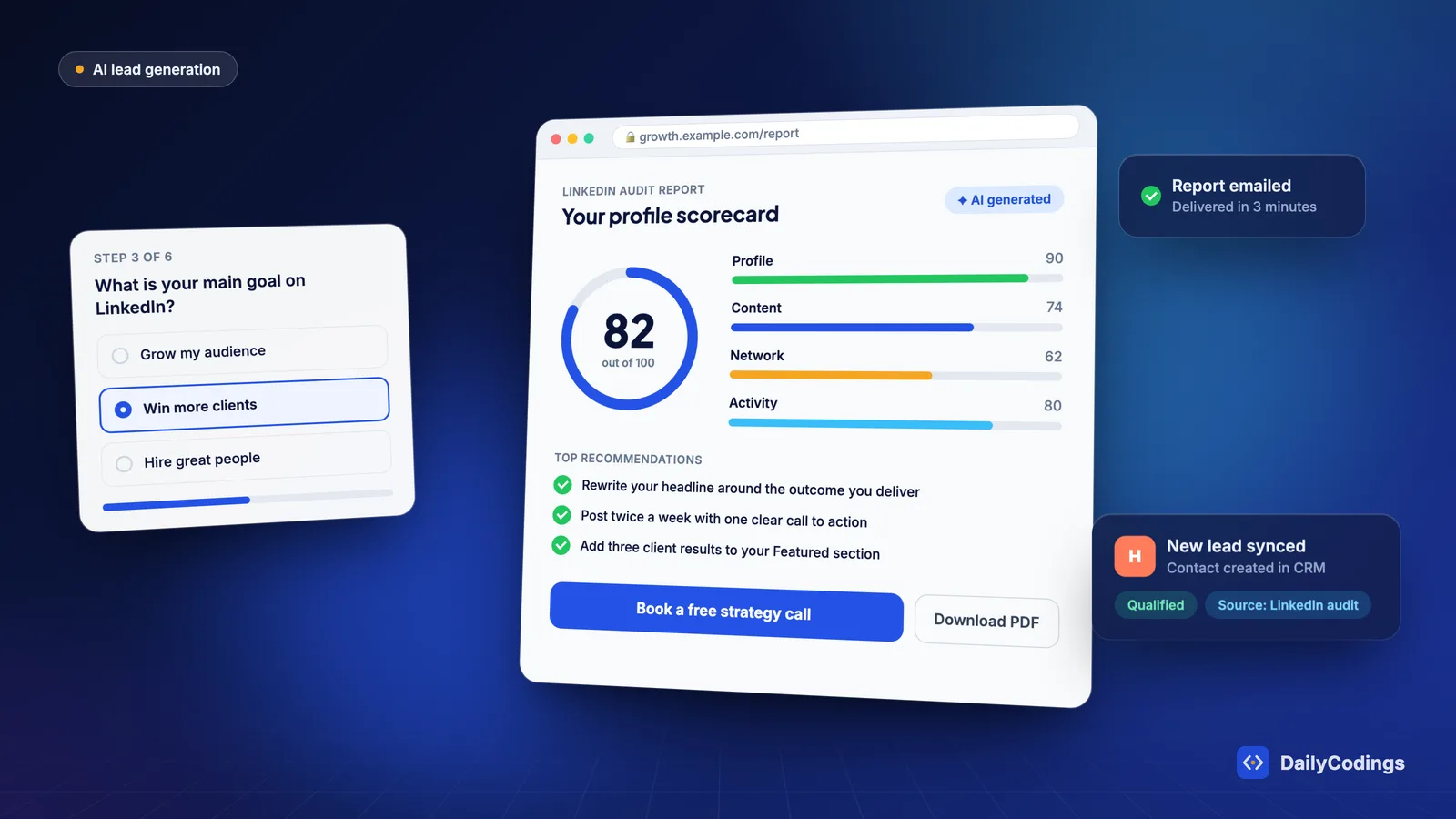
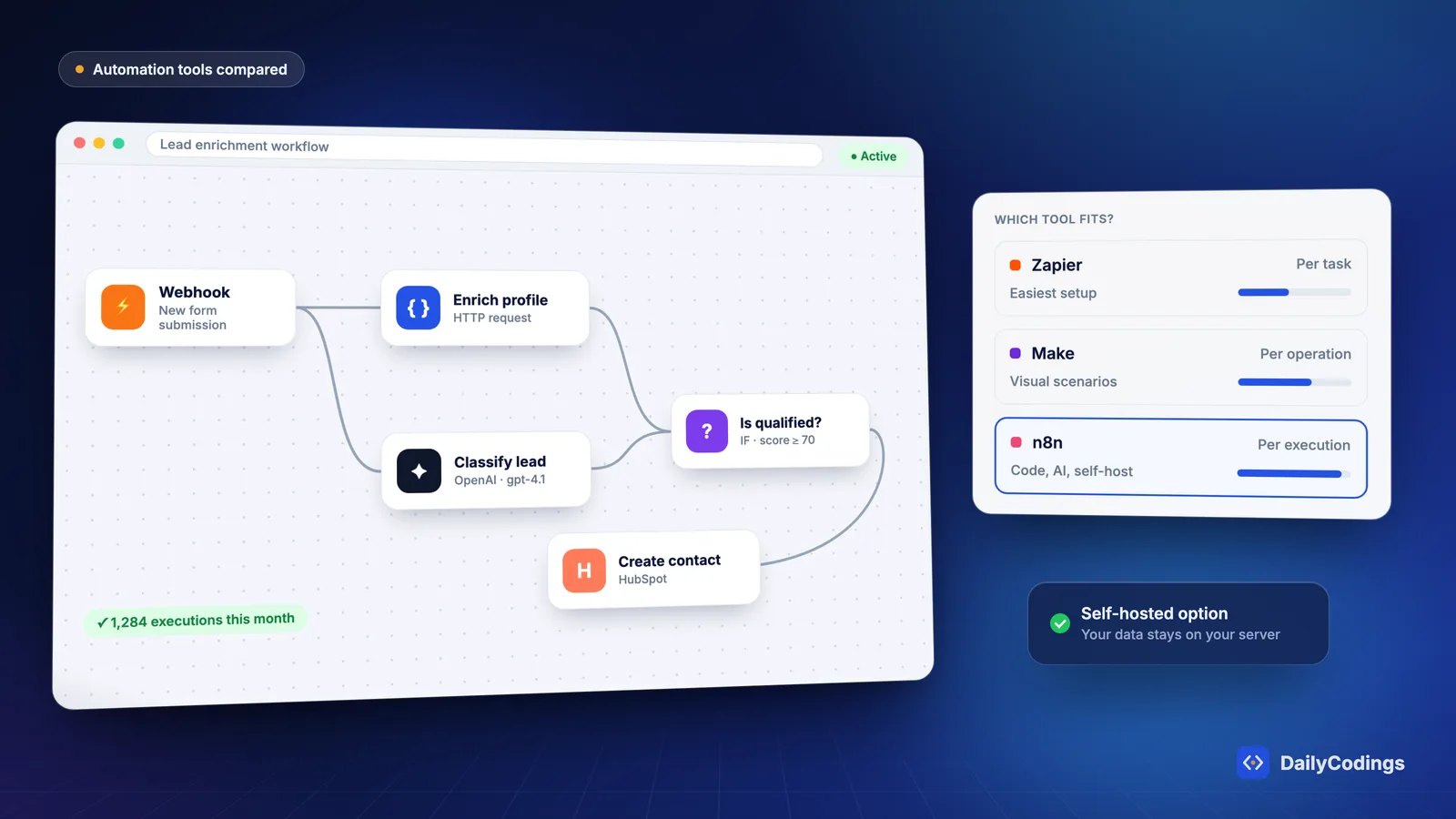
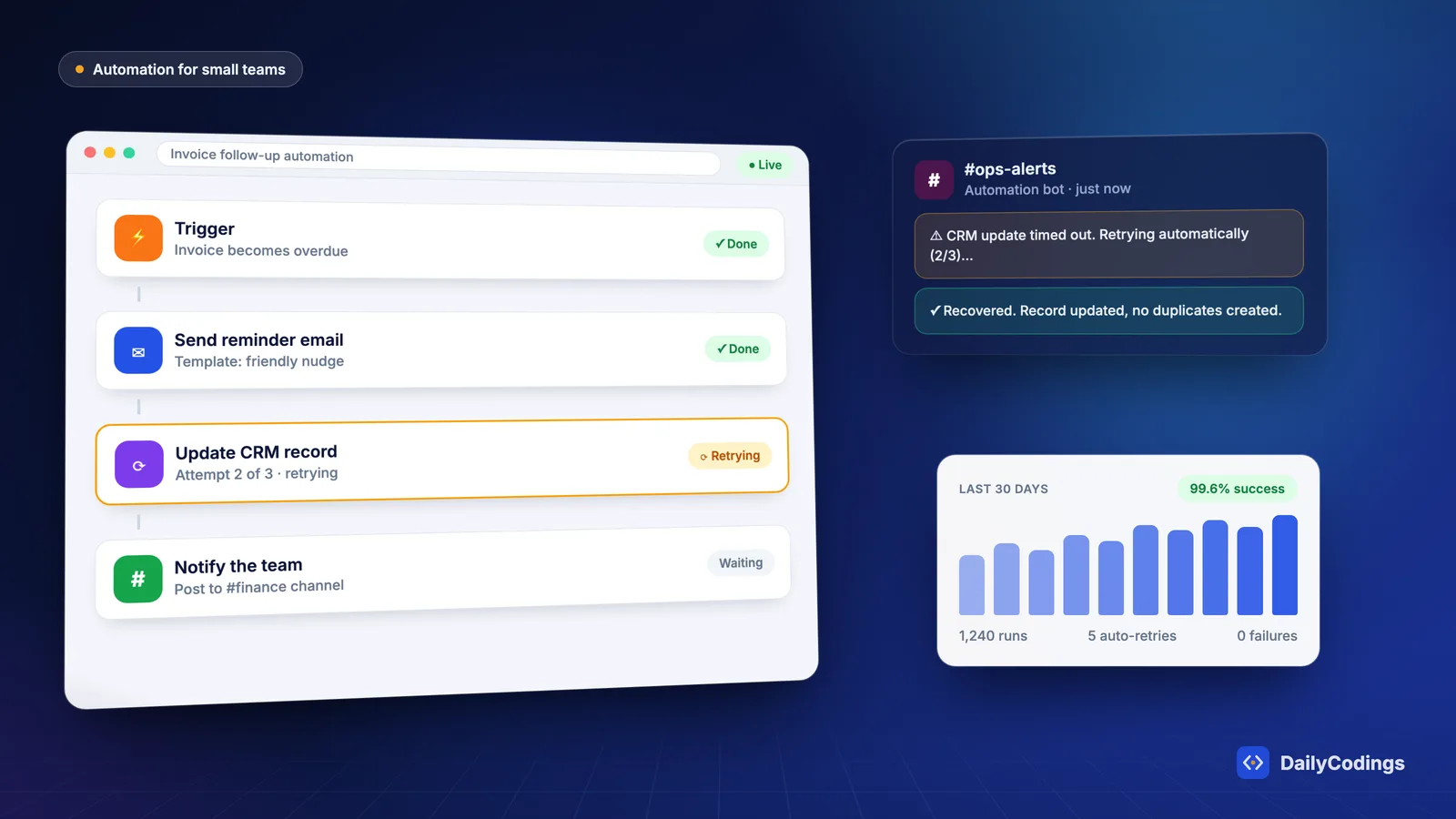
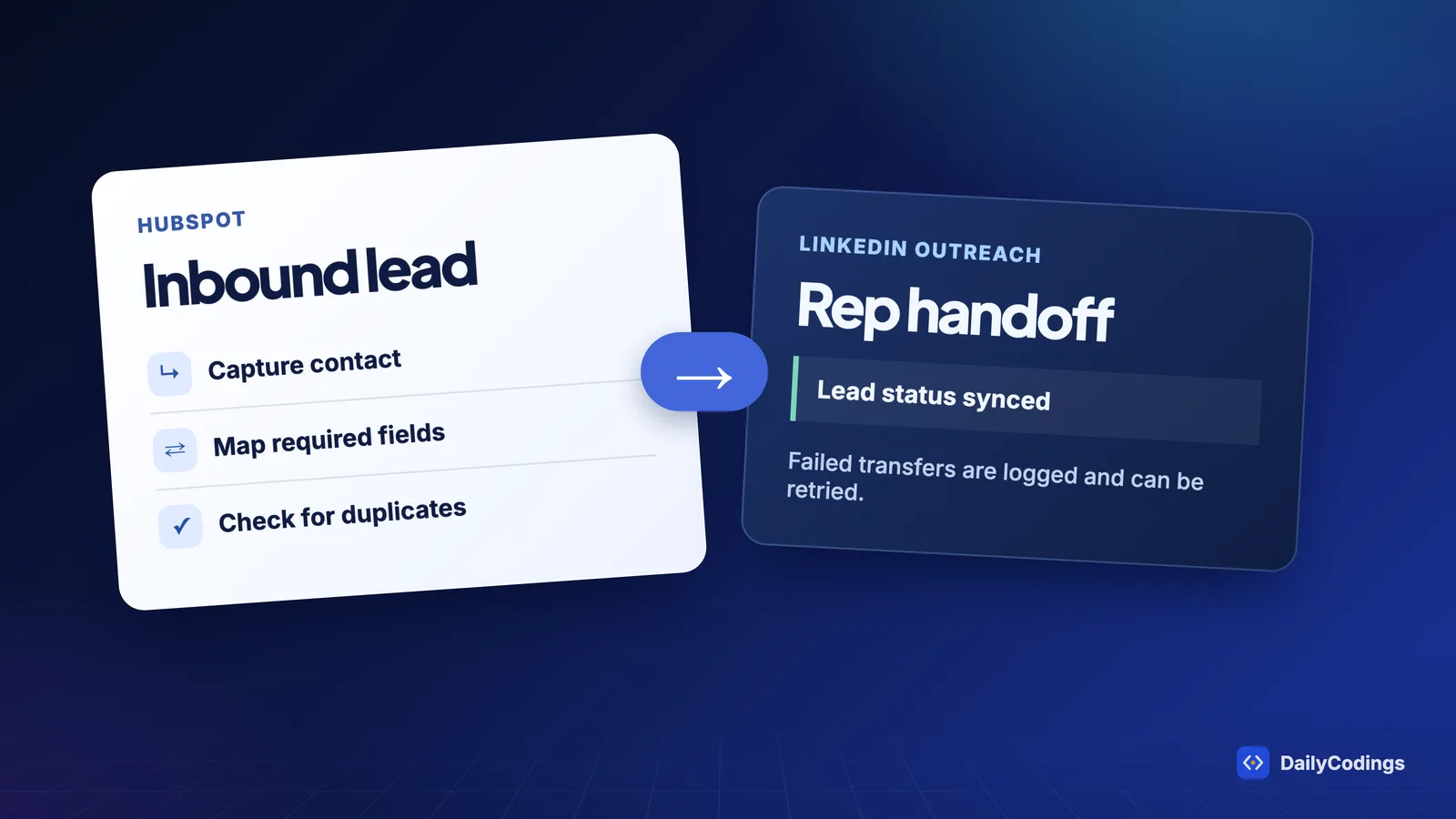
In our audit funnel, n8n stores a submission, enriches it and passes it to HubSpot. When a step fails, a Slack alert identifies the step and the team can recover the lead. That is the kind of handoff we document for each workflow.

With n8n Cloud, the platform handles its infrastructure. For a self-hosted setup, agree who owns server updates, credential backups, restore tests and monitoring. We document those responsibilities alongside the workflow.

For a Zapier migration, start with one representative Zap. Run it alongside the n8n version, compare results on the same inputs and agree when to switch.

Need a human review step for an AI decision?

What you get

  • Self-hosted or n8n Cloud setup
  • Documented, version-controlled workflows
  • Error workflows, retries, and alerts

Typical use cases

  • Lead capture, enrichment, and CRM routing
  • Moving off Zapier or Make to cut monthly costs
  • AI steps inside everyday business workflows

Why work with us on n8n workflow automation

  • Production-ready, not demo-ready

    Error workflows, retries, and alerts are built in, so failures are caught and handled instead of silently lost.

  • Lower running costs

    Self-hosted n8n has no per-task pricing, which often makes it far cheaper than Zapier or Make at volume.

  • AI where it helps

    We add OpenAI or other model steps for enrichment, summaries, and triage, with checks around the output.

Tools and technologies we use

  • n8n
  • n8n Cloud
  • Docker
  • OpenAI
  • HubSpot
  • Google Sheets
  • Slack
  • Apify
  • Webhooks

A clear process from first call to launch

  1. 1

    Discover

    We learn how your team works today and the result you need.

  2. 2

    Plan

    You get a written scope, approach, and timeline before we build.

  3. 3

    Build

    We ship working software early and show progress as we go.

  4. 4

    Test

    We check the system against your real data and edge cases.

  5. 5

    Deliver and support

    Handover, documentation, and help after launch.

Guides and insights

n8n workflow automation: common questions

Don't see your question here? Ask us directly and we'll answer it.

Should we self-host n8n or use n8n Cloud?

n8n Cloud is the quickest way to start and needs no server maintenance. Self-hosting on a small server or Docker setup costs less at higher volumes and keeps data on your own infrastructure. We set up whichever fits your budget and data rules.

Can you migrate our Zapier or Make automations to n8n?

Yes. We review your existing zaps or scenarios, rebuild them in n8n with better error handling, run both side by side to confirm the results match, and then switch over.

What happens if an n8n workflow fails?

Every workflow we build has an error workflow that logs the failure and sends an alert to email or Slack. Temporary errors are retried automatically, so most issues resolve without anyone stepping in.

Tell us about your project

Send the trigger, apps involved, approximate run frequency and your hosting preference.