Preserving sales history in a HubSpot to Salesforce migration
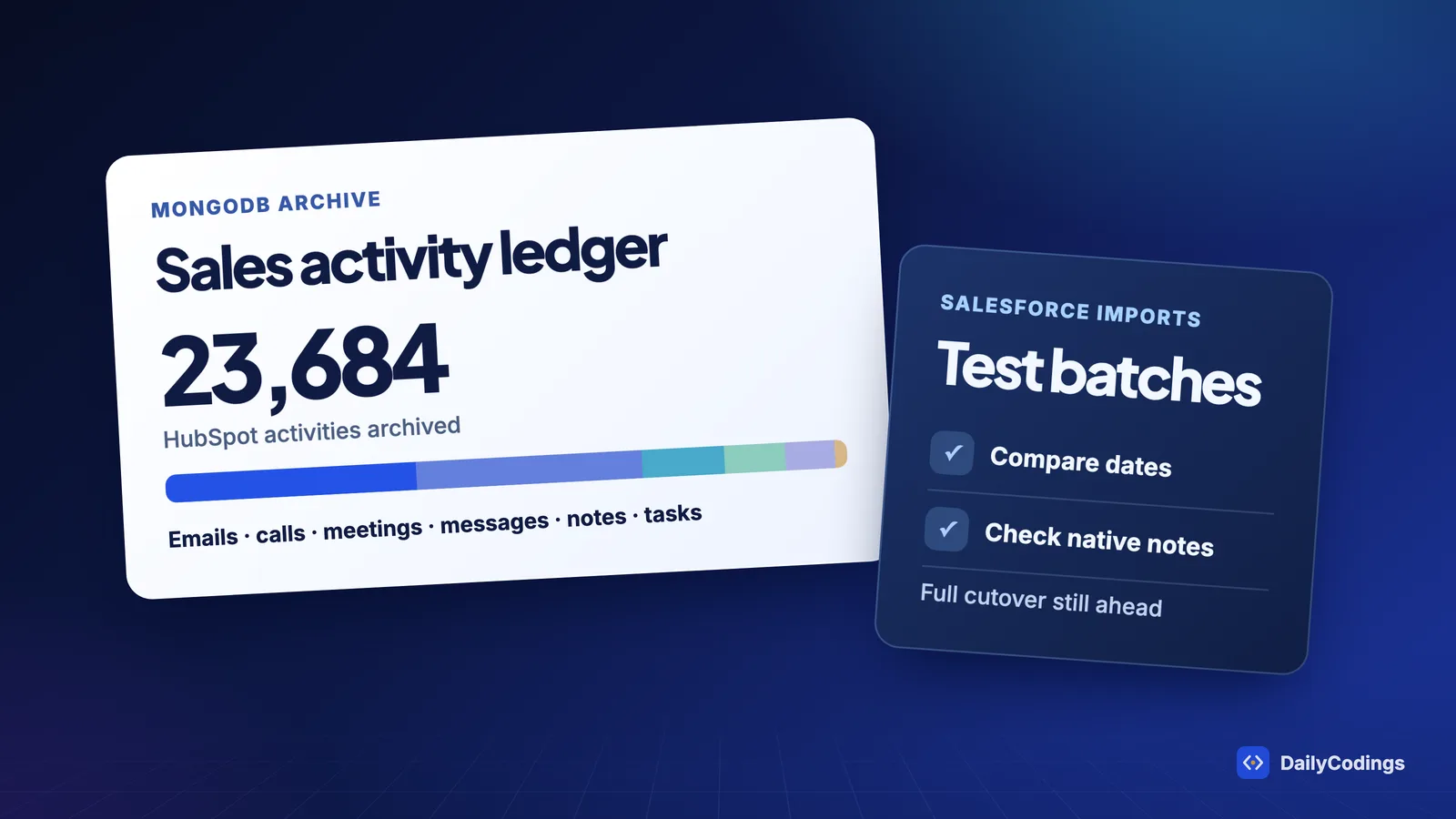
A fund research team secured 23,684 HubSpot activities in a searchable archive and began checking Salesforce imports against the original records.
Node.js · MongoDB · HubSpot API
Move contacts, companies, deals and history into HubSpot or scope a move to another CRM. Review field mappings, duplicates and a trial import together.
Choose a company with contacts, an open deal and activity history. Map the source IDs, owners and fields, then decide how to handle duplicate domains or a value that HubSpot cannot accept.
Compare the trial import with the source. Record which relationships are present, which fields need review and what will be archived. If Salesforce is the destination, use the specialist plan for that direction.
Moving specifically from HubSpot to Salesforce?Why DailyCodings
Review record counts, sample relationships and exceptions after each trial run.
We de-duplicate, standardize, and fix formatting during the move, so you start fresh in the new CRM.
Trial runs and a planned switch-over date keep your sales team working throughout the migration.
How we work
We learn how your team works today and the result you need.
You get a written scope, approach, and timeline before we build.
We ship working software early and show progress as we go.
We check the system against your real data and edge cases.
Handover, documentation, and help after launch.
Further reading

4 min read
Compare a $210 contact import with migration software from $499 and consultant-led work from $5,000. Budget for duplicate review, ownership and sales sign-off.

5 min read
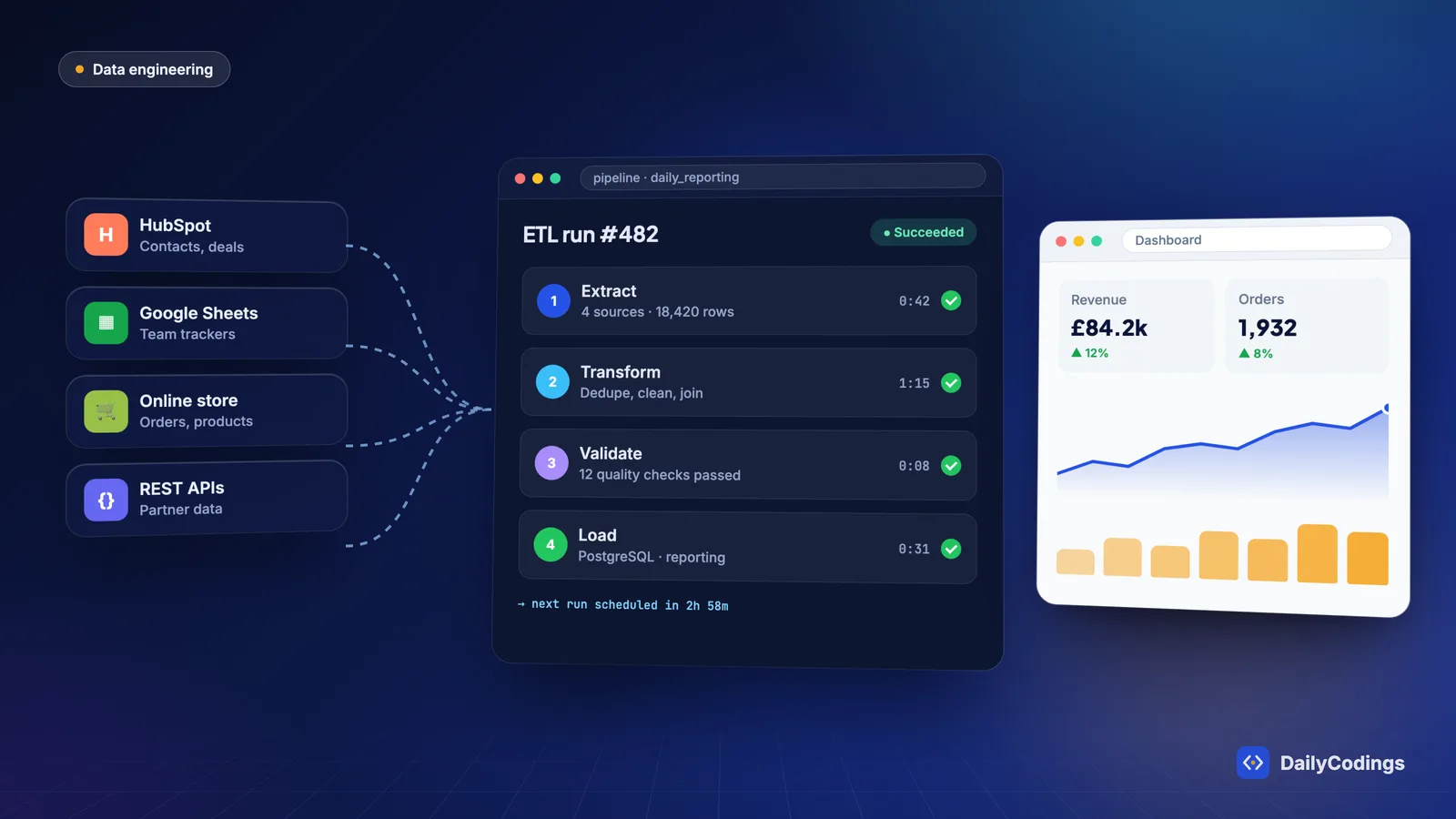
What data engineering is, why it matters for growing businesses, the signs you need it, and how a simple data pipeline turns scattered spreadsheets and apps into reports you can trust.

6 min read
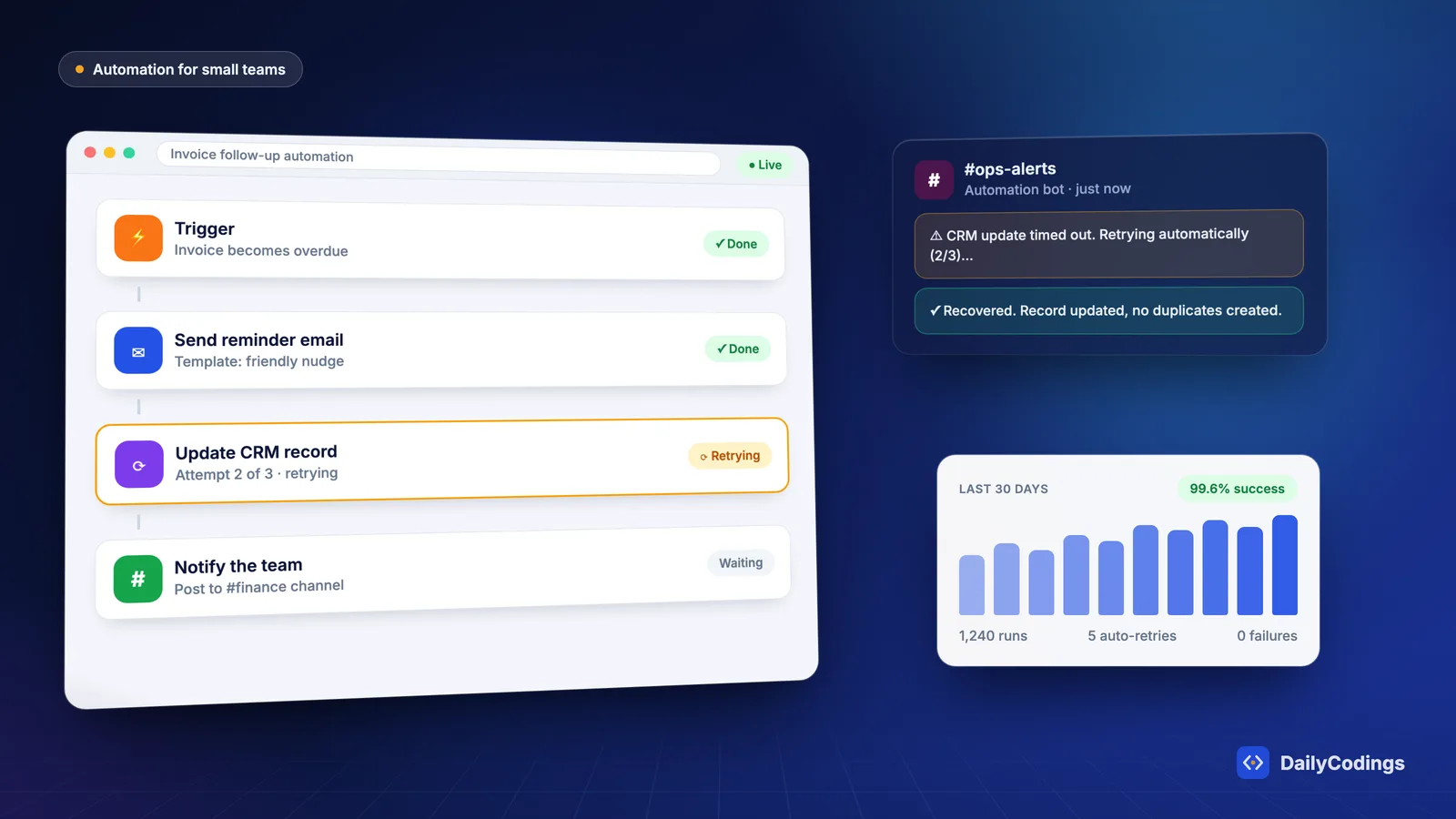
Seven workflow automation patterns for small teams, from choosing what to automate first to retries, alerts, and approvals, with real project examples.
FAQ
Don't see your question here? Ask us directly and we'll answer it.
A straightforward migration of contacts, companies, and deals can take one to two weeks. Larger migrations with custom objects, activity history, and integrations usually take three to six weeks including testing.
Yes. We map HubSpot properties to Salesforce fields, keep associations between contacts, accounts, and opportunities, and verify the results before cutover. Our case study shows activities archived in MongoDB and migration verified in Salesforce test batches.
In most cases, yes. Notes, emails, and activities can usually be migrated through the APIs. Where a platform limits this, we agree on the best alternative, such as an archive export, before starting.
Share the source and destination, approximate record counts and which relationships your sales reps depend on.