- Automation
- Workflow
- Small Business
- Best Practices
Workflow Automation for Small Teams: 7 Patterns That Don't Break
Seven workflow automation patterns for small teams, from choosing what to automate first to retries, alerts, and approvals, with real project examples.
By DailyCodings TeamUpdated 6 min read
Automation is one of the best investments a small team can make. A few well-built workflows can give back hours every week: leads that reach your CRM on their own, reports that arrive every morning, invoices that chase themselves.
But most small teams have also seen the other side: the automation that quietly stopped working three weeks ago, the sync that created 400 duplicate contacts, the "simple Zap" that nobody remembers how to change.
The difference is rarely the tool. It is the patterns behind the build. Here are the seven we use on every automation project, with real examples from our own work.
1. Start with one bottleneck you can measure
The most common mistake is trying to automate everything at once. Instead, pick one repeated task that already costs you real time, and write down what it costs today.
Good first candidates share three traits:
- It happens often: daily or weekly, not once a quarter
- It follows clear rules: the same steps every time, with few judgment calls
- Mistakes are visible: you can tell whether the result is right
| Good first automation | Poor first automation |
|---|---|
| Copying new form leads into the CRM | Rebuilding your whole sales process |
| Sending a weekly report to managers | Automating rare, one-off tasks |
| Reminding customers about overdue invoices | Anything nobody can explain step by step |
Measure before and after: hours saved, errors avoided, or response time. A clear win on one workflow earns the trust (and budget) for the next.
2. Write down the contract between your tools
Every automation passes data from one system to another. Problems start when nobody has agreed what that data looks like.
Before building, write a short contract for each step:
- Inputs: which fields arrive, in what format, and which are required
- Outputs: what the next system expects to receive
- Field mapping: "Company size" in the form becomes "Number of employees" in the CRM
When we built an AI-powered lead funnel, we learned this the hard way. Conversion tracking fired the moment a visitor clicked submit, so failed and duplicate submissions were counted as real leads. Moving the event to fire only after the backend accepted the lead removed those "ghost" conversions. The fix was simply a clearer contract about what counts as a lead. You can read the full lead funnel case study.
3. Make every step safe to run twice
Automations get retried, re-run, and triggered twice by accident. If running a step twice creates two invoices or two CRM contacts, you will eventually have a mess.
Engineers call this idempotency: running the same step again gives the same result. In practice:
- Search before you create. Look up a company by its website domain before creating a new record.
- Use unique keys. Give each order, lead, or job an ID, and skip anything already processed.
- Update instead of insert when a record already exists.
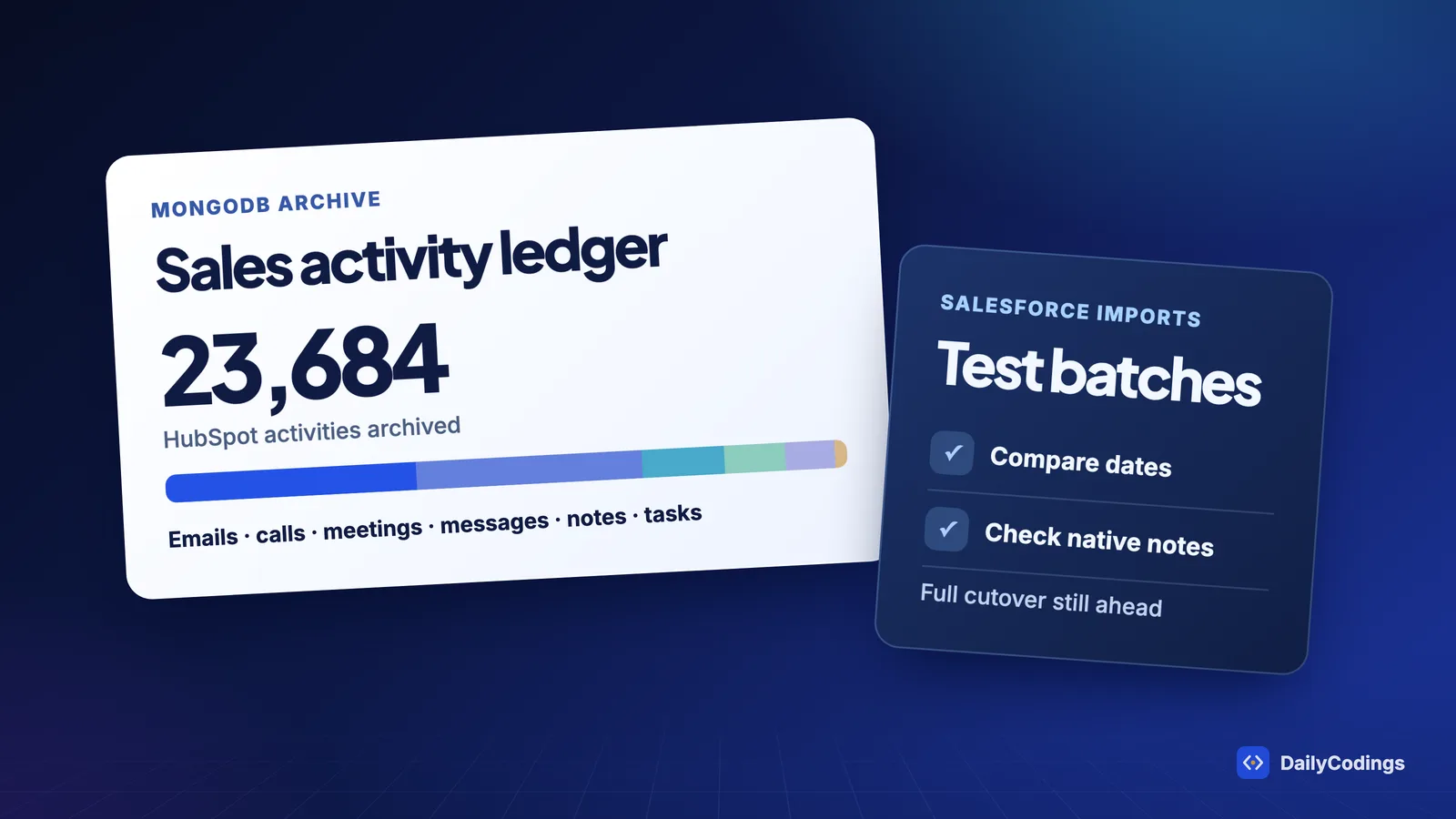
In a CRM automation we built for a financial services team, every company was matched by domain before anything was created. That one rule prevented duplicates when more than 200 records were created on the automation's first day.
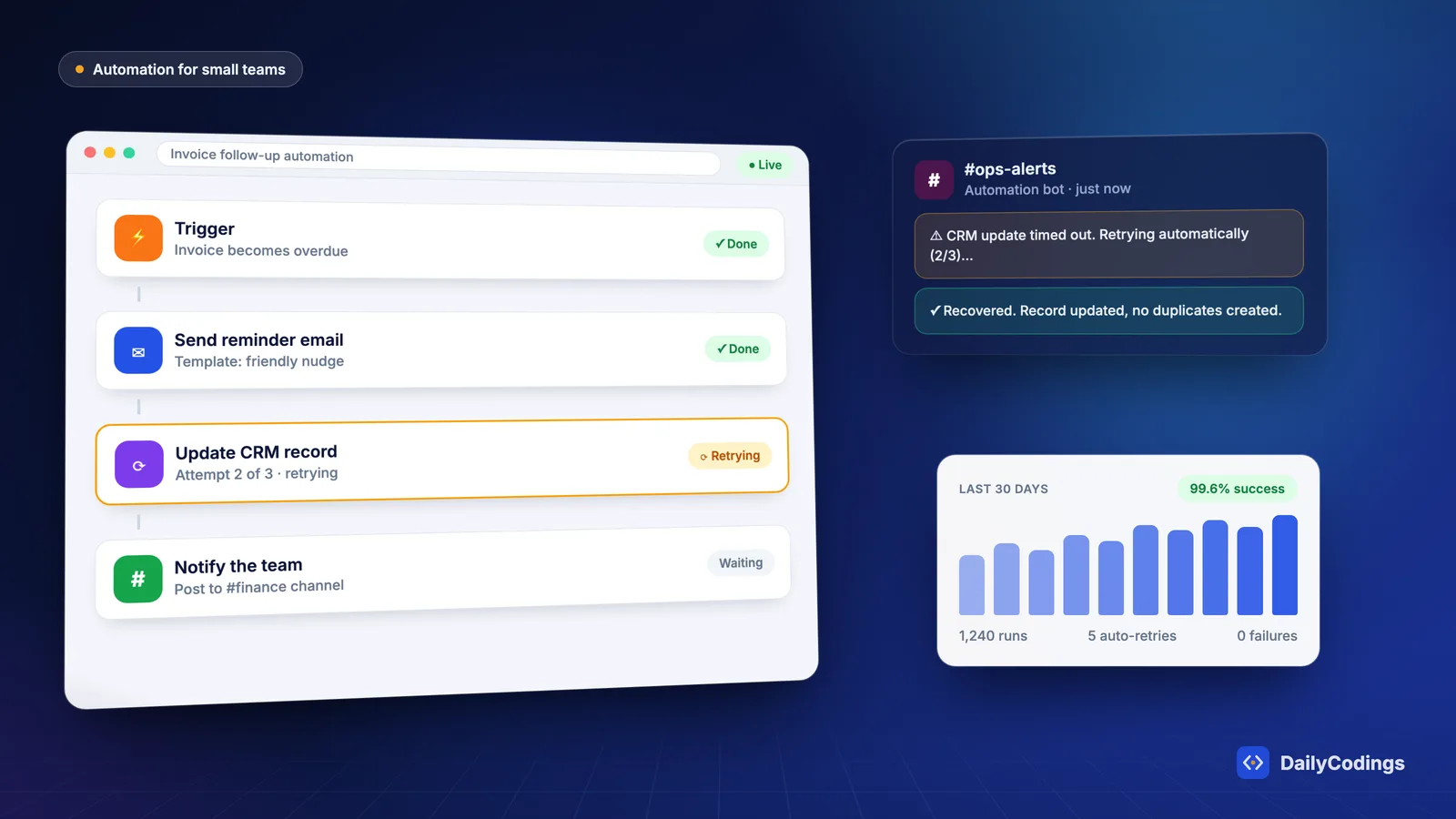
4. Expect failure, and recover on your own
External services time out, APIs hit rate limits, and websites change. A reliable automation assumes some steps will fail and plans for it:
- Retry with a pause: try again after a few seconds, then a little longer, before giving up
- Keep failed items: store anything that could not be processed so it can be re-run later
- Recover, do not restart: pick up from the failed step instead of running everything again
On the lead funnel above, outages did happen. Because every submission was stored before processing, every affected lead was recovered and still received their report. Nobody was lost.
5. Make failures loud, including silence
The most dangerous automation failure is the quiet one. Nothing crashes, nothing errors, the data simply stops arriving.
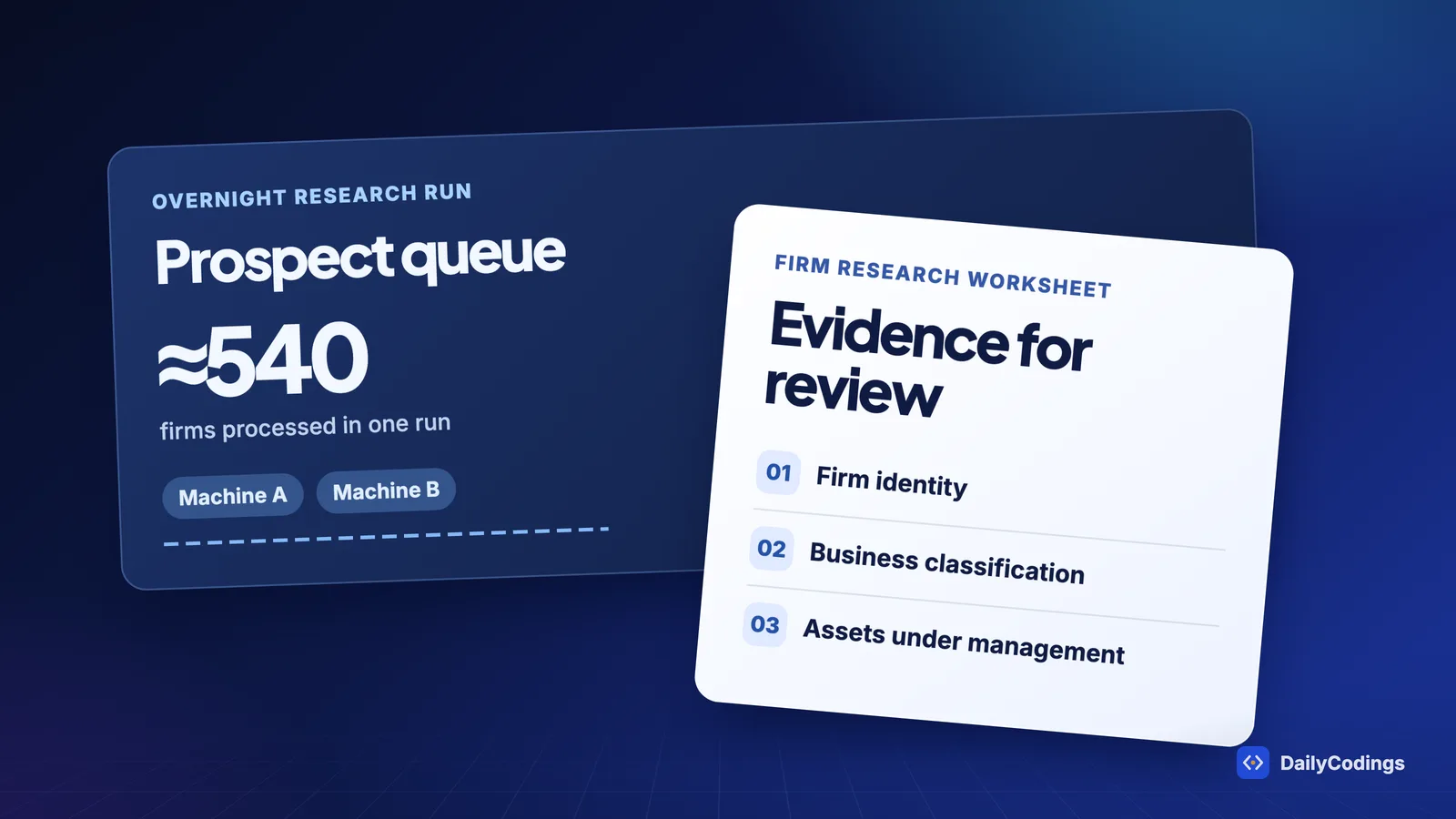
An early version of a reporting sync we worked on had stopped running for about 11 days before anyone noticed. The dashboards looked normal; they were just out of date. You can read how we fixed it in the reporting pipeline case study.
Build in two kinds of alerts:
- Error alerts that name the exact step that failed, sent to the channel your team actually reads, such as Slack or email
- "Nothing happened" alerts for when a job that should run every day processes zero records
A short log of every run (when it ran, how many items, what failed) turns a two-day investigation into a two-minute one.
6. Keep a person in the loop where mistakes are expensive
Not everything should run fully on its own. When an automation can send money, email customers, or overwrite important data, add a checkpoint:
- Dry-run mode that shows what would change, without changing anything
- Approval steps where a person reviews AI or bulk changes before they go live
- Test and live modes so changes are tried on sample data first
On a recent AI data pipeline, edits can either be applied directly or wait on an approvals page for a person to accept them. The team chooses per job: fast where it is safe, reviewed where it matters.
7. Give every automation an owner and a short runbook
Six months from now, someone will need to change or fix this workflow. Make that easy:
- One named owner responsible for each automation
- A one-page runbook: what it does, where it runs, what to do when it fails
- Version control or change notes for every edit, so you can see what changed and roll back
Automations without an owner become the ones nobody dares to touch.
A quick checklist before you switch it on
- The task is measured, with a clear before-and-after goal
- Inputs, outputs, and field mappings are written down
- Running any step twice does not create duplicates
- Failed steps retry, and failed items are kept for re-processing
- Errors and "zero records" trigger an alert to a real person
- Risky actions have a dry run or an approval step
- There is a named owner and a short runbook
Which tool should you use?
These patterns work in Zapier, Make, n8n, and custom code. We use them when building n8n workflows for clients. If AI is part of the workflow, the same rules apply, with extra checks on the AI's output; see our AI workflow automation service. The tool mainly affects how easy each pattern is to build. If you are choosing one, our comparison of n8n vs Zapier vs Make explains the trade-offs.
Frequently asked questions
What should a small business automate first?
Start with one task that happens daily or weekly, follows clear rules, and has results you can check, such as copying form leads into your CRM, sending a weekly report, or reminding customers about overdue invoices. Measure the time it costs before and after.
Why do automations break without anyone noticing?
Usually because nothing errors: an API changes, a trigger stops firing, or a job processes zero records and still reports success. Alerts for errors and for runs that process nothing catch these silent failures early.
What does idempotent mean in workflow automation?
It means a step can run twice and still give the same result. Searching before creating records, using unique IDs, and updating existing records instead of inserting new ones stop retries from creating duplicates.
How do I stop automations from creating duplicate CRM contacts?
Match every record on a stable key before creating it, such as email address for contacts or website domain for companies, and update the existing record when a match is found.
Should automations run without human approval?
Low-risk steps can run on their own. When an automation can send money, email customers, or overwrite important data, add a dry-run mode or an approval step so a person reviews the changes first.
Written by
DailyCodings Team
DailyCodings is a software development and digital studio. We design and build websites, online stores, custom software, automation, and data systems, and help businesses grow with digital marketing.
Meet the team