- WordPress
- Website Design
- Web Development
- SEO
Is WordPress Dying? The Problems, the Strengths, and How to Do It Right
WordPress still powers a huge share of the web, yet many people say it is slow, insecure, and outdated. Here is an honest look at what is wrong with WordPress, what is still great about it, and how we build WordPress sites that stay fast and secure.
By Forhad6 min read
Every year someone announces that WordPress is dead. Modern frameworks like Next.js are faster, website builders like Wix and Squarespace are easier, and Shopify dominates online stores. Yet WordPress still runs roughly four in ten websites on the internet, far more than any other content management system.
So is WordPress dying? No. But a certain way of building WordPress sites deserves to die. This article explains the real problems, the real strengths, and how we build WordPress sites that avoid the usual traps.
Why people say WordPress is dying
The criticism is not imaginary. Many business owners have had a bad WordPress experience, and the reasons are usually the same.
1. Slow websites
A typical cheap WordPress site uses a heavy multipurpose theme, a drag-and-drop page builder, and a dozen plugins that each load their own scripts and styles. The result is a site that feels slow on mobile and fails Google's Core Web Vitals. Visitors leave, and rankings suffer.
2. Security problems
WordPress itself is well maintained, and its core team fixes security issues quickly. The risk comes from the ecosystem: the large majority of reported WordPress vulnerabilities are found in plugins and themes, not in WordPress core. Every extra plugin, especially an abandoned or pirated one, is another door an attacker can try.
3. Plugin overload
Need a contact form? Install a plugin. Sliders, popups, SEO, caching, security, backups: one plugin each. Before long, a simple company website depends on 30 plugins from 30 different developers, and any update can break something.
4. No maintenance
WordPress is often sold as "build it once and forget it". In reality, the core, the theme, and the plugins all need regular updates. Sites that are never updated slowly become slow, broken, or hacked.
5. A changing editor and an uncertain community
The move from the classic editor to the Gutenberg block editor confused many users, and in 2024 a public dispute between WordPress co-founder Matt Mullenweg's company, Automattic, and a large WordPress hosting company unsettled parts of the community. Neither event stopped WordPress, but both fed the "WordPress is in trouble" story.
6. Better options for some projects
For highly custom web applications, headless setups with frameworks like Next.js offer more speed and flexibility. For a one-page personal site, a hosted builder can be simpler. WordPress no longer wins every project by default, and that is healthy.
What is still great about WordPress
Despite all of this, WordPress remains an excellent choice for many businesses.
- Easy content editing. Your team can update pages, publish news, and add projects or products without calling a developer.
- Ownership and freedom. WordPress is open source. You own your website and your content, and you can move to any host at any time.
- A huge ecosystem. Thousands of themes and plugins, and plenty of developers who can help. You are never locked in to one agency.
- Strong SEO foundations. Clean URLs, editable titles and descriptions, sitemaps, and structured data are all easy to set up.
- Affordable to build and host. A well-built WordPress site costs less than a fully custom application and runs on standard, low-cost hosting.
- Proven at scale. WordPress powers everything from small company websites to major news publishers.
- WooCommerce for online stores. The same platform can grow into a full e-commerce store. We compare it with a modern headless option in WooCommerce vs Medusa + Next.js.
The problem was never WordPress itself. It is how WordPress sites are usually built and looked after.
How we build WordPress sites that stay fast and secure
At DailyCodings, we treat a WordPress website like software, not a template. Here is the approach we use in our client proposals and projects.
A custom, lightweight theme
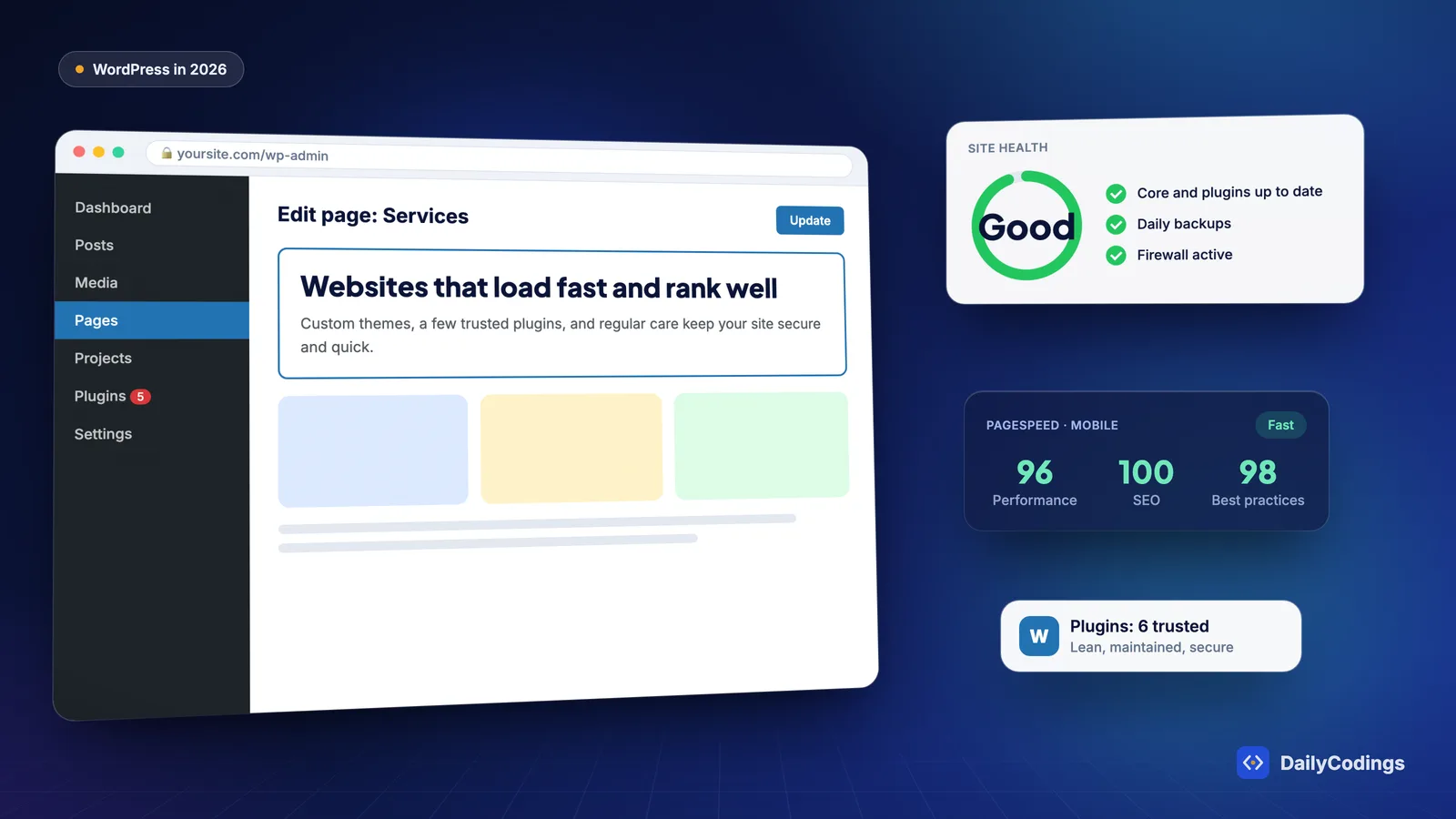
We do not start from a heavy multipurpose theme or a page builder. Instead, we build a custom block theme designed around your brand. It loads only the code your site needs, so pages stay fast on mobile, and your team still edits content visually in the block editor.
Structured content, not messy pages
Content that has a repeating shape, such as projects, products, team members, or case studies, gets its own entry form using Advanced Custom Fields. Your team fills in clear fields like "client", "location", and "photos", and the design takes care of the layout. Pages stay consistent no matter who edits them.
A small set of trusted plugins
We use a short, deliberate list of established, actively maintained plugins, and avoid anything abandoned or unnecessary:
| Need | Typical choice | Why |
|---|---|---|
| SEO | Rank Math SEO | Titles, descriptions, sitemap, and schema |
| Contact forms | Fluent Forms with Cloudflare Turnstile | Lightweight forms with spam protection |
| Speed | LiteSpeed Cache or WP Super Cache | Page caching matched to the server |
| Security | Wordfence Security | Firewall, malware scanning, login protection |
| Backups | UpdraftPlus | Scheduled backups with one-click restore |
Fewer plugins means fewer updates, fewer conflicts, and fewer security risks.
Speed built in
- Images converted to modern WebP format and lazy-loaded
- Page caching configured for the hosting server
- Lightweight code with no unused sliders, animations, or scripts
- Modern PHP versions, which are noticeably faster than older ones
Security from day one
- HTTPS on the whole site
- A firewall and login protection
- Spam-protected forms
- Automatic, scheduled backups with a tested restore process
- Admin accounts with only the access each person needs
SEO and tracking ready at launch
Every site launches with page titles and descriptions, an XML sitemap, structured data, Google Analytics, and Google Search Console set up. Our technical SEO checklist covers the full list.
Training and ongoing care
We train your team to manage the site with confidence, and we offer ongoing WordPress maintenance for updates, backups, monitoring, and fixes. A WordPress site that is looked after stays fast and secure for years.
When WordPress is the right choice
WordPress is a great fit when:
- You need a company website, portfolio, or blog that your team will update regularly
- You want to own your website and choose your own hosting
- You need a reliable result on a sensible budget
- You may want to add a WooCommerce store later
Consider a custom Next.js build instead when you need a highly interactive web application, very complex custom features, or the absolute best performance at large scale.
The verdict
WordPress is not dying. It is maturing. Badly built, plugin-heavy, never-updated WordPress sites are what give it a poor reputation. Built with a lightweight theme, a few trusted plugins, solid security, and regular care, WordPress remains one of the best ways for a business to run a fast, professional website it fully controls.
Frequently asked questions
Is WordPress still worth using?
Yes. WordPress still powers a large share of the web and remains a strong choice for content-heavy business sites, as long as it is built with a lightweight theme, few trusted plugins, and regular updates.
Why is my WordPress site so slow?
The most common causes are heavy themes, page builders, too many plugins, unoptimized images, and cheap hosting. Fixing those usually brings a large speed improvement.
Is WordPress secure?
WordPress core is well maintained. Most hacked WordPress sites are caused by outdated or poorly built plugins and themes, weak passwords, or missing updates. Keeping everything updated and using few plugins removes most of the risk.
Written by
Forhad, Lead engineer at DailyCodings
Forhad builds the systems behind DailyCodings' client work: web scraping pipelines, ETL and data platforms, workflow automations, dashboards, and AI-assisted tools, mostly in Python.
- Python development
- Data engineering
- Web scraping
- Automation
- AI workflows
- Dashboards