- Next.js
- WordPress
- Website Design
- Web Development
- SEO
Next.js vs WordPress: Which Is Better for Your Business Website?
Next.js or WordPress for your business website? Compare speed, cost, editing, SEO, security, and hosting, and learn how to choose the right one.
By Forhad7 min read
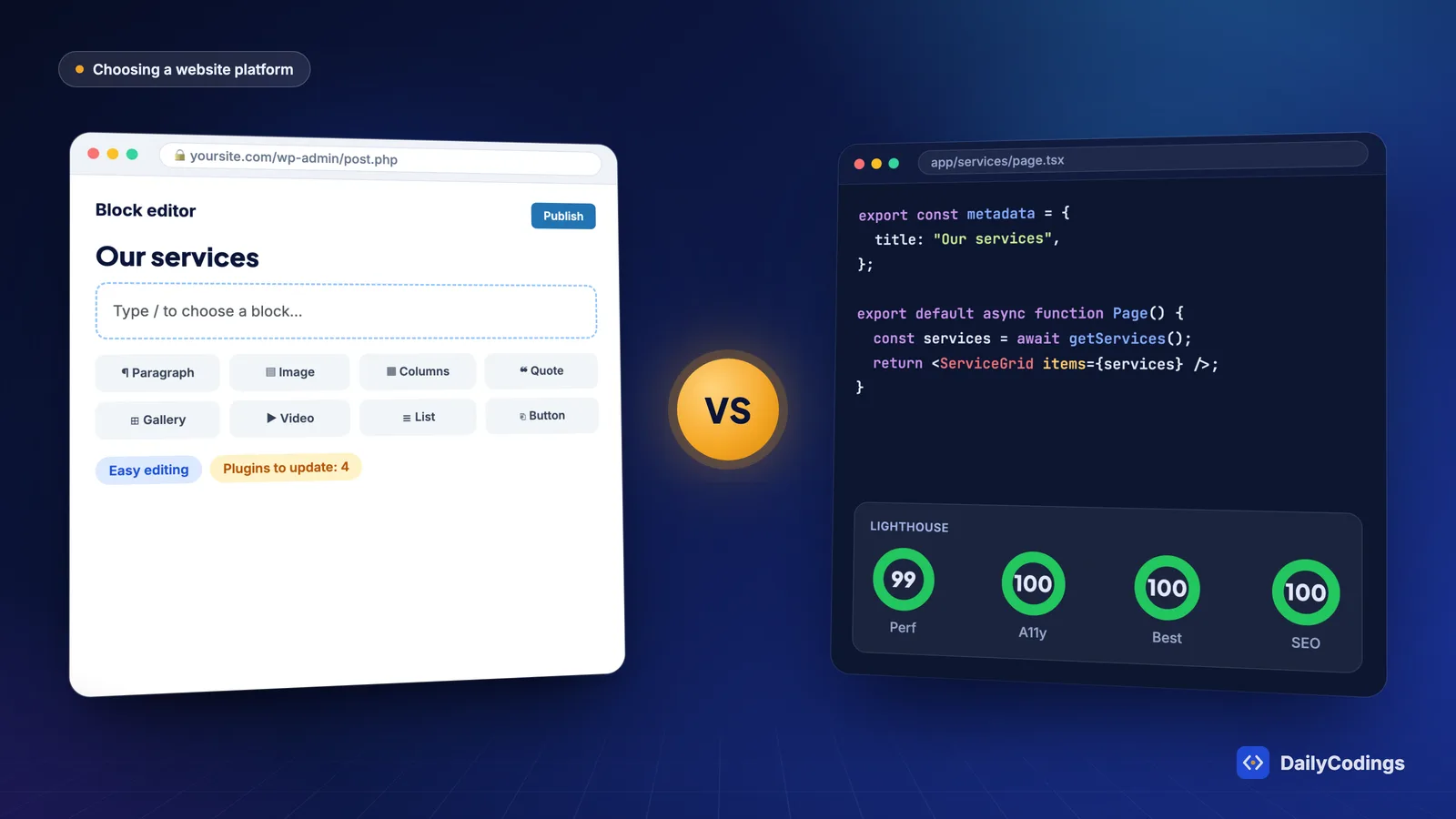
If you are planning a new business website, you will probably hear two names more than any others: WordPress, the platform behind a huge share of the web, and Next.js, the modern framework many fast, custom websites are built with.
Both can produce an excellent website. They are simply built for different situations. This guide compares them in plain terms and ends with a simple way to choose.
The short answer
- Choose WordPress if your team needs to update pages and publish content often, you want a reliable site on a sensible budget, and your needs are close to a standard company website or blog.
- Choose Next.js if speed and security are top priorities, you need custom features or integrations, or the website is part of a larger product, such as a customer portal or web app.
What is WordPress?
WordPress is an open-source content management system (CMS). It gives you a website and an admin dashboard in one package. Pages are edited visually in the block editor, and themes and plugins add design and features. It runs on PHP and a MySQL database, and almost every web host supports it.
We wrote a full, honest look at its strengths and weaknesses in Is WordPress Dying?.
What is Next.js?
Next.js is a React framework for building websites and web applications. It is not a CMS. Developers write the website as code, and Next.js turns it into very fast pages that can be pre-built ahead of time, generated on the server, or a mix of both.
Content for a Next.js site usually comes from one of three places:
- Files in the codebase, such as Markdown, which is simple and free but needs a developer or a basic Git workflow to publish
- A headless CMS, such as Sanity, Contentful, Strapi, or Payload, which gives editors a friendly dashboard
- WordPress itself, used only as the editing backend while Next.js powers the public website
This very website is built with Next.js. Our articles and case studies are Markdown files, and every page is pre-built so it loads quickly on mobile.
Side-by-side comparison
| WordPress | Next.js | |
|---|---|---|
| Best for | Content-led company sites and blogs | Fast, custom, or app-like websites |
| Build cost | Lower | Higher |
| Time to launch | Shorter | Longer |
| Content editing | Built in, familiar dashboard | Needs a headless CMS or Markdown files |
| Page speed | Good, with careful setup | Excellent by default |
| Security | Depends on plugins and updates | Smaller attack surface, no public admin |
| Custom features | Through plugins, within limits | Anything you can build |
| Hosting | Any standard host, low cost | Vercel, a Node.js server, or static hosting |
| Maintenance | Regular plugin and core updates | Dependency updates, fewer moving parts |
| Developers available | Very many | Fewer, needs React skills |
Speed and Core Web Vitals
Speed affects both visitors and Google rankings, especially on mobile.
Next.js is built for speed. Pages can be pre-rendered as plain HTML, images are optimized automatically, and only the JavaScript each page needs is sent to the browser. When we tested our own site on a throttled mobile connection, the main content appeared in about 1.5 seconds, comfortably inside Google's 2.5-second target.
WordPress can be fast too, but it takes discipline: a lightweight theme instead of a heavy page builder, a small number of plugins, page caching, and optimized images. If you already run WordPress, performance tuning on the existing site is worth pricing before you switch platforms.
Verdict: Next.js is fast by default. WordPress is fast when it is built carefully.
Content editing
This is where WordPress shines. Your team logs in, edits a page, and clicks Update. Anyone who has used a word processor can learn it in an afternoon.
With Next.js, the editing experience depends on the content setup. A headless CMS can be just as friendly as WordPress, but it is another service to configure and sometimes pay for. Markdown files work well for technical teams or for sites that change rarely.
Verdict: WordPress, unless you add a well-configured headless CMS to Next.js.
SEO
Both can rank very well. Search engines care about content quality, speed, structure, and technical basics, not about which tool built the site.
- WordPress makes SEO easy for non-developers with plugins such as Rank Math, which handle titles, descriptions, sitemaps, and structured data.
- Next.js gives developers precise control over metadata, structured data, sitemaps, and share images, and its speed helps Core Web Vitals. The trade-off is that a developer has to set these up, though once they are set up they work automatically for every new page.
Whichever you choose, follow a technical SEO checklist at launch.
Verdict: A tie. WordPress is easier for editors, and Next.js gives developers more control and better speed.
Security
Most WordPress security problems come from plugins and themes, and from sites that are not updated. A well-maintained WordPress site with a short list of trusted plugins, a firewall, and backups is secure, but it does need that ongoing care.
A Next.js website usually has a smaller attack surface. Pre-built pages have no public login page and no database for attackers to reach directly. Dependencies still need updating, but there are far fewer moving parts.
Verdict: Next.js, by design. WordPress is secure when properly maintained.
Cost
WordPress usually costs less to build, because themes, plugins, and the admin dashboard already exist. Hosting is cheap and widely available.
Next.js usually costs more to build, because more is custom. Running costs can be low, since pre-built sites are cheap to host, but a headless CMS or a Node.js server can add to the monthly bill.
Over several years, the gap can narrow. A WordPress site needs regular maintenance, while a Next.js site often needs less day-to-day care but more developer time when you want changes.
Verdict: WordPress is cheaper to launch. Long-term costs depend on how often the site changes and who changes it.
Custom features and integrations
If your website needs to do more than show information, such as calculating quotes, connecting to your CRM, showing data from your own systems, or offering a client login, Next.js has a clear advantage. Anything can be built, and it can share code and design with your web app.
WordPress can do a lot through plugins, but complex custom features often mean fighting the platform or writing a custom plugin.
Verdict: Next.js.
Which should you choose?
Ask yourself these four questions:
- Who will update the website, and how often? Non-technical staff who publish weekly point to WordPress, or to Next.js with a headless CMS.
- What must the website do? A standard company site or blog fits WordPress. Custom tools, integrations, or a client portal point to Next.js.
- How important is top speed? If your visitors are mostly on mobile or your market is competitive, Next.js gives you the best performance with the least effort.
- What is your budget and timeline? Tight budgets and short deadlines favor WordPress.
Typical fits
- A local service business that wants a professional site and posts occasional news: WordPress
- A trading or manufacturing company showcasing products and projects with a small team: WordPress with a custom lightweight theme
- A startup or SaaS company whose marketing site sits next to its product: Next.js
- A business that needs quote calculators, dashboards, or CRM integrations on its website: Next.js
- A content-heavy publisher that also wants top speed: Next.js with WordPress or another headless CMS behind it
For online stores, the same trade-offs apply. We compare the options in WooCommerce vs Medusa + Next.js.
The verdict
There is no single winner. WordPress is the practical, affordable choice for content-led business websites that your team will edit often. Next.js is the better choice when speed, security, and custom features matter most, or when the website is part of a larger digital product.
The most important decision is not the tool but how it is built: a fast, mobile-friendly design, clear content, strong technical SEO, and a plan for keeping it maintained.
Not sure which is right for you?
We build business websites with both WordPress and Next.js, and we will recommend the one that fits your goals rather than our preferences. Explore our website design and development services, or tell us about your project.
Frequently asked questions
Is Next.js better than WordPress for SEO?
Both can rank well. Next.js makes it easier to build very fast pages with clean code, which helps Core Web Vitals. WordPress can rank just as well when it uses a lightweight theme, few plugins, and good hosting. Content quality matters more than the platform.
Can non-technical staff edit a Next.js website?
Yes, when it is connected to a content management system such as Sanity, Payload, or headless WordPress. Without a CMS, content changes usually need a developer.
Which is cheaper, Next.js or WordPress?
WordPress is usually cheaper to build for a standard company website or blog. Next.js costs more up front but can cost less to secure and maintain, and it handles custom features without stacking up plugins.
Written by
Forhad, Lead engineer at DailyCodings
Forhad builds the systems behind DailyCodings' client work: web scraping pipelines, ETL and data platforms, workflow automations, dashboards, and AI-assisted tools, mostly in Python.
- Python development
- Data engineering
- Web scraping
- Automation
- AI workflows
- Dashboards